In most cities, Bolt does not operate a general, public helpline for passengers or drivers, as the most effective way to contact support is directly through the app—this allows the consultant to see ride details, payment info, and your data. That’s why keywords like “bolt helpline” often lead to the Help Center instead of a single phone number. The only exceptions are business lines or local safety numbers, but by default, priority is given to support in the app and on help.bolt.eu.
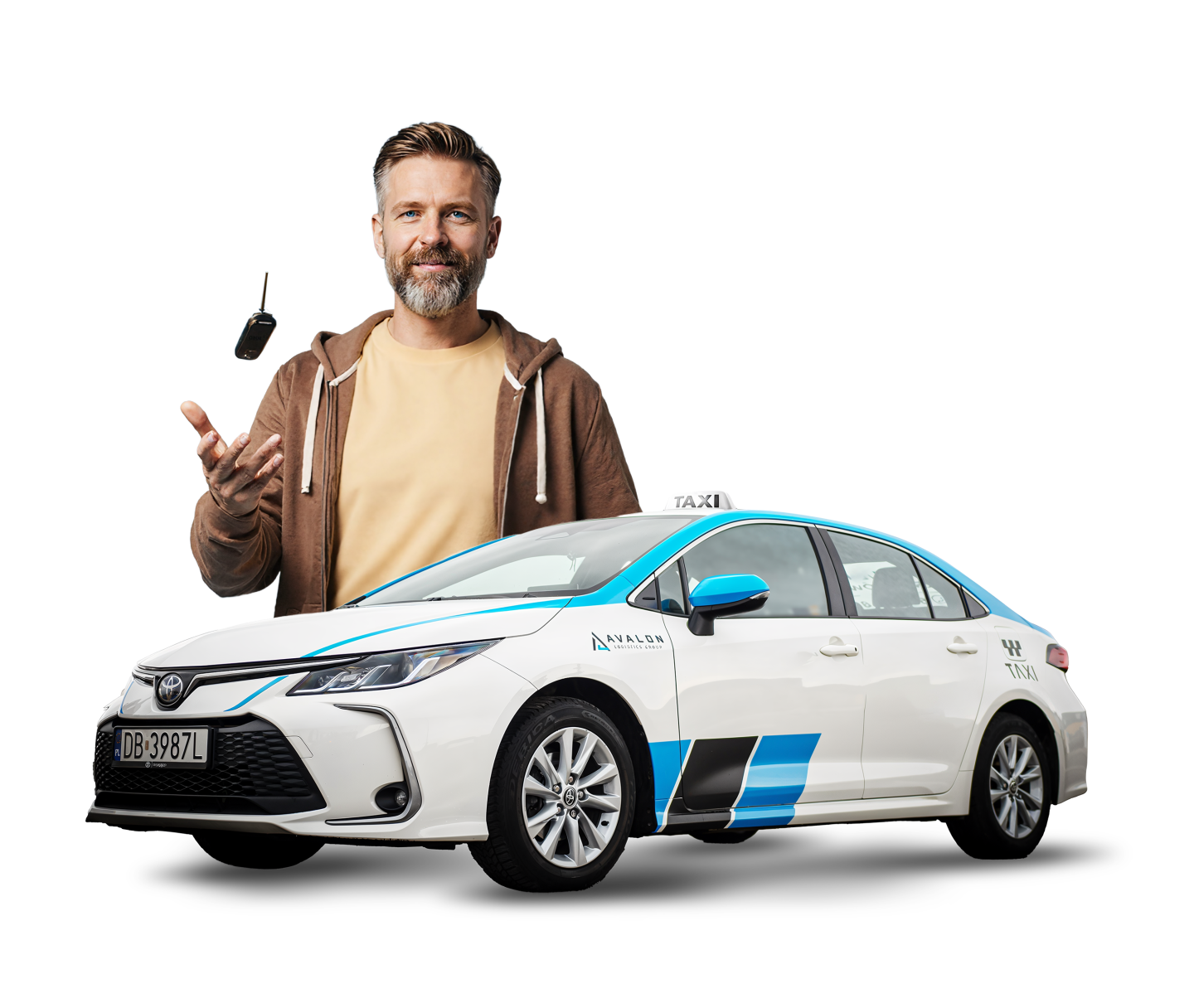
BECOME
A TAXI DRIVER
Work and earn right away!

Bolt Contact for Passengers – the fastest way
- Open Profile > Help > Select the ride and report an issue (payment, route, driver behavior, lost items).
- If you lost something, select Lost items – the app enables direct, masked contact with the driver.
- Disputed charges? Choose Incorrect charge and attach screenshots; you’ll usually get a response within a few hours.
- Need information before your ride? Go to the Help Center (help.bolt.eu) and use the search with keywords like “bolt taxi contact,” “payments,” or “promotions.”
Bolt Contact for Drivers – documents, settlements, blocks
- In the driver app, go to Help > Support and choose a category: documents, account verification, settlements/payouts, routes.
- For urgent matters (safety), use the emergency button in the app and dial 112 if the situation requires it.
- If you work through a fleet partner, you may have an extra support channel with your partner—this is often the fastest way for settlement matters.

Bolt Phone – when can you make a call?
- To the driver: with an active or recent ride, the app provides a masked Bolt phone number (VOIP/hidden number) to discuss pickup details or lost items.
- To the passenger: the driver can also contact you through a masked call from within the active order.
- Is there a general contact number for Bolt? Normally, there isn’t one; the most reliable way is to report through the app or Help Center.
Table: where to write or call depending on the issue
| Situation | Best channel | Path in the app | Tip |
|---|---|---|---|
| Lost items after a ride | Masked call to driver | Passenger: Profile > Help > Lost items | Call/SMS within 24–48 h |
| Disputed charge | Form in the app | Passenger: Help > Selected ride > Charges | Attach a receipt screenshot |
| Change/refusal of payment | Form | Passenger: Help > Payments | Check your payment method |
| Driver document verification | Support in driver app | Driver: Help > Account and documents | Submit clear scans |
| Settlements and payouts | Support + partner | Driver: Help > Settlements | If you have a partner, contact them too |
| Safety | SOS button + 112 | In the app (during ride) | Safety always comes first |
Most common problems and quick solutions – bolt helpline
- The ride didn’t arrive or was canceled: check the status in Ride History and submit a report under Ride was canceled.
- Fee higher than estimated: this is often due to waiting time, detours, or dynamic pricing; describe your route and wait time in the report.
- You can’t reach the driver: try the in-app chat; sometimes masked calls are blocked by phone privacy settings.
- Driver account blocked: check the reason in the Notification Center and provide missing documents; if it’s a mistake, appeal via Help > Account and documents.
- Invoice/receipt for a company: switch to business profile or request a correction in Help > Payments and invoices.
Bolt Contact – Best practices to speed things up
- Always provide the ride number and date, as well as the city – this helps the consultant find your case faster.
- Attach photos/screenshots (route map, receipt, incident description).
- Write from the account that was used for the ride – this makes verification easier.
- For urgent matters, use the app, not social media – it’s not an official support channel.
Summary
Although there is no permanent hotline number, effective contact with Bolt is always at your fingertips in the app and in the Help Center. Phone calls are masked between passenger and driver for rides and work perfectly for pickups or lost items. If you need support regarding payments, safety, or documents, select the appropriate category in Help – it’s the fastest and safest way to resolve your issue.
Extra tip
Save this guide – next time, contacting Bolt will take you 30 seconds instead of 30 minutes searching for a number.
BECOME
A TAXI DRIVER
Work and earn right away!